.png)
Setting Up Your Free Account
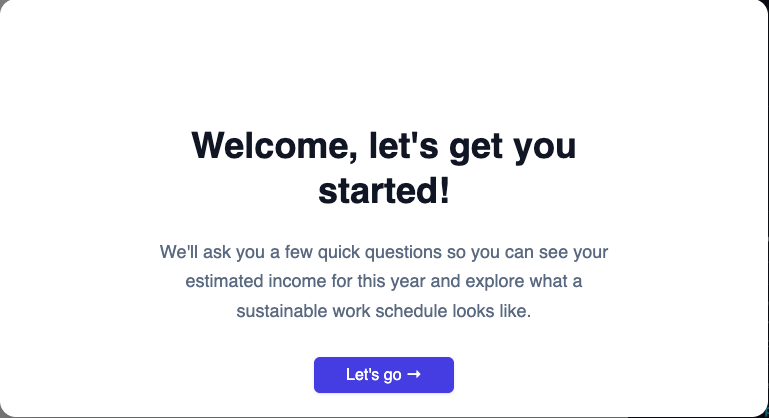
Setting up your Free account takes five quick steps:
- Welcome — a quick intro to Flux and what Sandbox mode is for.
- Tax profile — filing status, state, city (if applicable), resident status, and number of children under 17. Same fields as the paid tax profile.
- Add a source — — name your source, choose W-2/1099/Self-Employment, set your pay period and gross income, and days per pay period.
- Review your source — confirm what you entered, and add any income add-ons that apply. You can also rename the source right on this screen if you want to call it something different than what you entered.
- Set your goal — your income goal, pre-filled at $70,000 and adjustable.
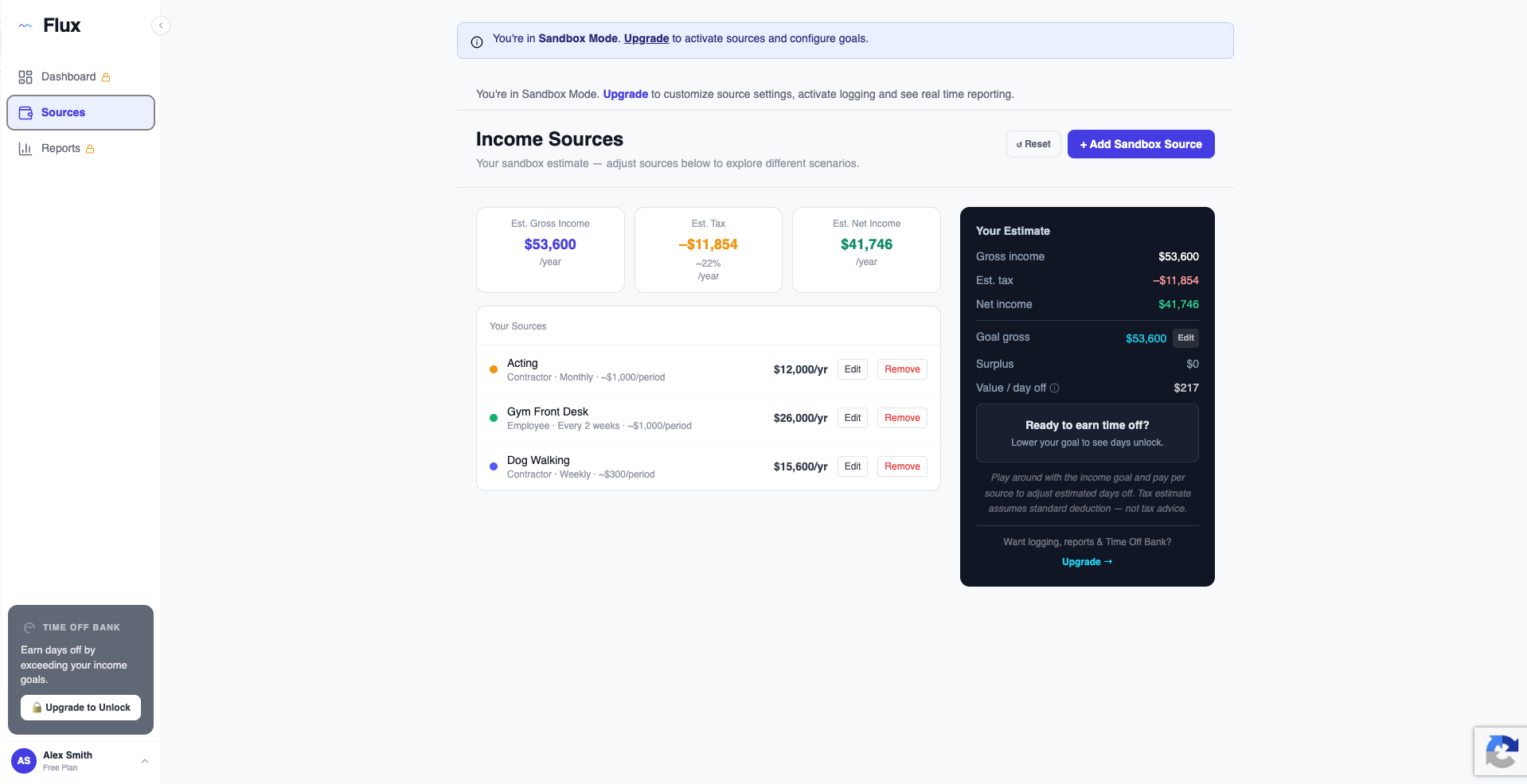
Once you finish, you land in Sandbox mode on your Sources page, where your entered source shows up with projected numbers. From here you can add more hypothetical sources, adjust your goal, or upgrade to a paid plan whenever you're ready to track real income.